How to Order
At this time, ordering can only be completed by an authorized provider.
If you are a patient interested in requesting a test, email support@arboretumclinical.com and we may be able to refer you to a provider in our network.
Interested providers must complete the following steps to order Arboretum tests:

Step 1: Register as a Provider
New providers: email providers@arboretumclinical.com to register for an account. We will verify your credentials and set up your account in our portal. Once registration is complete, you will have access to order any test in our portfolio for your patients.
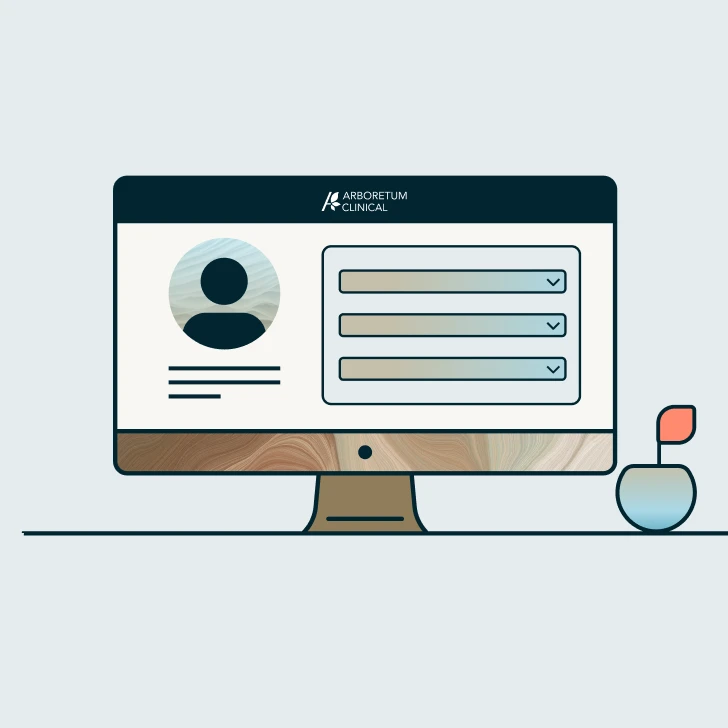
Step 2: Place an Order
Log in to our ordering portal to initiate a test order. Select the appropriate test panel, enter patient information, and submit the order. Our team reviews each order for completeness and medical necessity documentation.

Step 3: Collect the Specimen
A simple cheek swab is used to collect biospecimen samples.
For providers at partner institutions, specimens can be collected on-site. Otherwise, a collection kit is shipped directly to the patient with easy-to-follow instructions.
Step 4: Receive Results
Reports are generated within 14-21 calendar days of sample receipt by our lab. Results are delivered through the provider portal and can be reviewed with your patient.
For providers at partner institutions, Arboretum integrates results directly into your EMR, and can provide supplemental genetic counseling to patients as needed.
Questions?